
If Wrapped makes you feel tiny, use it to thank the people who played you most: Spotify's artist message deadline is Friday 6 November 2026 [2][3]. Uploads opened in early October [1], and Spotify doesn't give a cut-off time. So if you're reading this in the first week of November, film and upload today or tomorrow rather than on the 6th. If the deadline has passed, skip to the profile checklist and the December posting plan, which still apply.
At your size, Spotify Wrapped for artists is mainly a chance to make your most loyal listeners feel noticed. The plan is simple: a 30 second thank-you video, a tidy profile, and a handful of posts ready for December.
What does Spotify Wrapped for artists include in 2026?
Uploads opened on 6 October, according to Hypebot [1], and close on 6 November [2]. Spotify says all artists can submit a short video message in Spotify for Artists to thank their fans for listening [2].
- The artist message. A short vertical video that can show up in your top fans' Wrapped stories and in their artist messages feed [3].
- Live performance video (new for 2026). This is a full-length landscape video, under 20 minutes, MP4 or MOV, at least 1080p, that can appear in fans' Your Top Songs playlist in Wrapped and stays on your profile afterwards [3]. Only artists in Spotify's video upload beta can submit one [3], so most small artists can skip it.
- Your own recap. Last year artists found their Wrapped in Spotify for Artists as a set of data stories, each with a share card for social media [4]. Spotify hasn't detailed the 2026 version yet.
Spotify hasn't announced the launch date. Hypebot expects it "around December 3rd", which is an estimate [1].
The rules for your Wrapped artist message
Spotify reviews every video, and the rules are tight. Here's what its help page asks for [2]:
| What | Rule |
|---|---|
| Length | Longer than 3 seconds, shorter than 30 seconds |
| Format | Vertical video with audio, MP4 or MOV, at least 720 x 1280 pixels |
| Not allowed | Music, explicit content, logos, text, filters, or watermarks from other apps |
| No promo | Don't send people to websites or ticket sellers, and don't ask them to follow you on other platforms |
| Caption | Up to 100 characters |
| Where to upload | Spotify for Artists on desktop: Video & Visuals, then the Wrapped banner |
Source: Spotify for Artists help page on 2026 Wrapped artist messages, checked 31 Oct 2026 [2].
Spotify may also remove videos that are blurry or low quality, and every video comes down after the campaign ends [2]. Submitting doesn't promise your message gets featured [2].
What to say: a 30 second script for small artists
You've got until 6 November [2], so treat this as one evening's work.
Unless you're a massive name, someone else's numbers will always be bigger than yours. That only matters if you treat Wrapped as a contest. Your message is aimed at your top fans [3], people who already had you near the top of their year. Those are your people.
So talk to them like that. Spotify suggests covering what your fans' support meant, a milestone from this year, or what's coming next [2]. Pick one.
The thank-you version
"Hey, it's [name]. If you're seeing this, you played my music more than almost anything else this year, and honestly that blows my mind. I make these songs in [where you make them], so knowing they're in your ears means a lot. Thank you."
The milestone version
"Hi, I'm [name]. This year I [released my first EP / finally finished the song I'd been stuck on for ages]. I couldn't have kept going without people like you listening. Thanks for being part of it."
The what's next version
"Hey, [name] here. Thanks for sticking with me this year. I'm working on [new songs / some live shows] for next year and I can't wait for you to hear it. See you then."
None of these ask people to follow you on Instagram or buy tickets, because that breaks the rules [2]. Keep it about them.
How to film it if you hate being on camera
Talking into a lens feels awful at first, so make it quick. Twenty minutes is plenty.
- Write your script and say it out loud twice before you film. If it runs past 25 seconds, cut a line.
- Face a window. Daylight on your face hides a lot and stops the video looking grainy, which matters because Spotify may remove blurry or low quality videos [2].
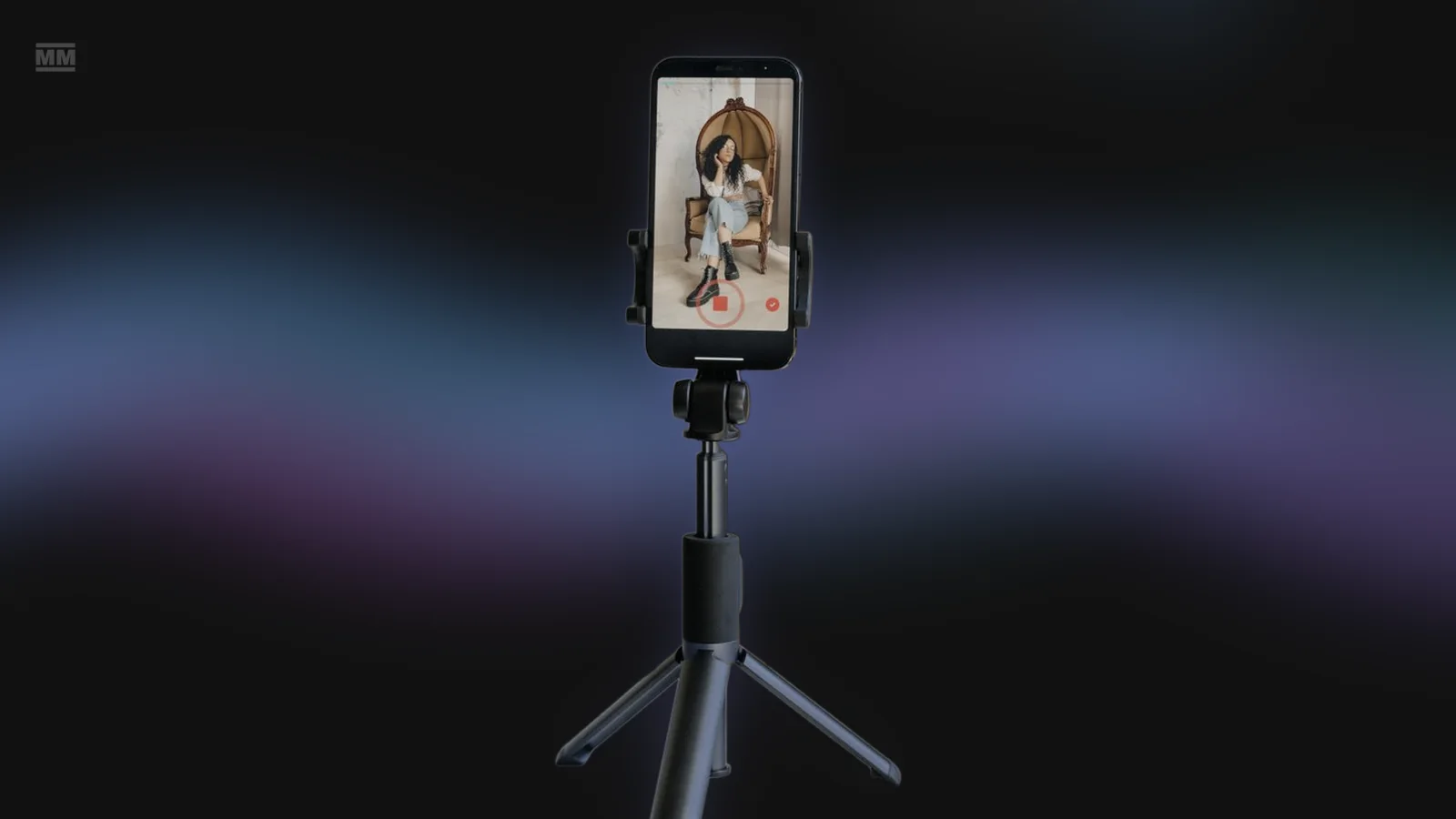
- Prop the phone at eye level, upright, on a stack of books or a small tripod.
- Record five takes in a row without stopping to watch them. Then pick the one where you sound most like yourself, not the most polished one.
- Don't add a filter, on-screen text or a song from your phone's editor. Spotify doesn't allow any of them in the video [2]. Save your words for the upload caption.
A slightly awkward, warm message beats a slick one.
Get your profile ready before Wrapped lands
Spotify's own Wrapped prep list for artists starts with the profile [3], so it looks right when Wrapped sends people your way:
- Update your bio and images so they match who you are now [3].
- Set your Artist Pick to a current release or a playlist of your favourites from the year [1][3].
- Add any upcoming shows through one of Spotify's ticketing partners so they show on your profile [3].
- Spotify's Wrapped prep list asks you to make sure every track has a Canvas [3]; start with your best song of the year. It's a 3 to 8 second vertical loop, and Spotify asks for footage without talking, singing or rapping [5]. If you've never made one, here's how to make a Spotify Canvas in an afternoon.
What to post for Spotify Wrapped in December
You don't need a big campaign in Wrapped week, just your best song of the year and a few posts built around it.
The week before launch
Post that song with a simple line like "this was the one you played most this year".
Launch day
Grab your recap share cards from Spotify for Artists (that's where they were last year [4]) and share them with a short thank-you and a hint of what's next. Small numbers are fine here. A line like "a few hundred of you kept this on repeat all year" is lovely to read when you're one of those few hundred. If fans share their own Wrapped with you in it, repost them.
The week after
Lots of small artists go quiet here. Keep posting short videos of your top song on TikTok, Reels and Shorts, like a 10 second chorus clip with the lyrics on screen, or the one line people quote back to you. You probably don't want to film your face again after the Wrapped message, though.
Our data: short and quick to make
The median Clips video runs 22.2 seconds, a comfortable length for TikTok, Reels and Shorts, and the median render takes 82 seconds. So rendering a few videos for Wrapped week takes minutes, and most of your time goes on choosing the hook. If you don't want to film anything new, Clips can cut your lyrics over its footage library of 287 stock clips and 556 curated clips.
Source: MusicMinutes Clips measurements: median render time and video length across Clips renders, footage library size; checked 31 Oct 2026.
Those are the videos MusicMinutes Clips makes: it turns your song into a batch of 9:16 short videos with the lyrics on screen, built around your hooks and ready for TikTok, Reels and Shorts. It can make a fresh Spotify Canvas too. It isn't for the Wrapped message itself, which has to be a plain phone video with no music or text [2].
None of this will make your numbers look like a major artist's, and I won't pretend otherwise. The point is to make the people who already love your music feel seen.
Frequently Asked Questions
When is the Spotify Wrapped 2026 artist message deadline?
Friday 6 November 2026 [2][3]. Spotify doesn't give a time, so don't leave it to the last evening. Upload in Spotify for Artists on desktop, under Video & Visuals, then the Wrapped banner [2]. If you've missed it, you can still tidy your profile and plan your December posts.
Can small artists submit a Wrapped message, or do you need a lot of listeners?
Spotify says all artists can submit one [2]. Last year more than 70,000 artists sent in videos [2]. Messages go to an artist's top fans [3], so you can still show up for your most loyal listeners, however small your total is.
Can I put music or text in my Wrapped artist video?
No. Spotify bans music, text, logos and filters in the message, along with links to other sites or platforms [2]. You can add a caption of up to 100 characters when you upload.
Will my message definitely appear in fans' Wrapped?
No. Spotify reviews every submission and says submitting doesn't guarantee placement [2]. Messages are aimed at your top fans, not everyone who played you [3]. Keeping it clear, well lit and within the rules avoids removal for low quality [2].
When does Spotify Wrapped 2026 come out?
Spotify hasn't said yet. Hypebot estimates around 3 December [1], so plan for early December.
References
Facts checked 31 October 2026 by Paul Nicholls against the sources below.
- [1] Hypebot: Spotify opens Wrapped artist message uploads (6 October 2026)
- [2] Spotify for Artists: Submitting your artist messages for 2026 Wrapped
- [3] Spotify for Artists: Get ready for Wrapped
- [4] Spotify newsroom: The 2025 Wrapped guide for artists, songwriters, creators, authors and advertisers (3 December 2025)
- [5] Spotify for Artists: Canvas guidelines